
Reference
Tested November 2026 · 7 min read
What Every Value of Google's udm Search Parameter Does
The udm search parameter determines which Google result type you get: web links, images, places, jobs, AI Mode and more. Google has never documented it, and most lists online repeat the same eight values. We loaded every value from 1 to 70 on live Google and recorded what each one shows.

Adam Ben-Ayoun
CTO, OpenWeb Ninja
Google Search · URL Parameters · Reference
Key Takeaways
- -14 numeric values open a working result type. Everything else falls back to the normal "All" page, except 24 and 26, which return a 400 error.
- -Google's own tabs now use named values for some types: udm=vids, udm=forums, udm=short_vids and udm=web. The old numbers (7, 18, 39, 14) still work.
- -udm=14 (Web) still gives the plain list of blue links with no AI Overview. udm=50 opens AI Mode.
- -udm=44 (Visual matches) and udm=48 (Exact matches) are Google Lens result types. They need an image, so they show nothing for a text search.
- -udm=37, 38 and 51 show a tab label but no real results of their own.
All udm values at a glance
Every value of the udm search parameter that does something, plus what happens with the rest. Screenshots of each live result type follow below.
| udm | Result type | Status | Get it as JSON |
|---|---|---|---|
| 1 | Places | Live | Local Business Data API |
| 2 | Images | Live | Real-Time Image Search API |
| 3 | Products | Live | Real-Time Product Search API |
| 6 | Learn | Live | - |
| 7 / vids | Videos | Live | Real-Time Video Search API |
| 8 | Jobs | Live | Google for Jobs API |
| 12 | News (redirects to tbm=nws) | Live | Real-Time News Data API |
| 14 / web | Web (no AI Overview) | Live | Real-Time Web Search API |
| 15 | Things to do | Live | - |
| 18 / forums | Forums | Live | Real-Time Forums Search API |
| 28 | Shopping (full Google Shopping page) | Live | Real-Time Product Search API |
| 36 / books | Books | Live | - |
| 39 / short_vids | Short videos | Live | Real-Time Shorts Search API |
| 50 | AI Mode | Live | Google AI Mode API |
| 44 | Visual matches | Lens only | Real-Time Lens Data API |
| 48 | Exact matches | Lens only | Real-Time Lens Data API |
| 37 | "Products" label, never any results | Dead | - |
| 38 | "Videos" label, never any results | Dead | - |
| 51 | "Homework" label, same results as All | Dead | - |
| 49 | Redirects to the Google Images homepage | Redirect | - |
| 24, 26 | 400 Bad Request | Error | - |
| All others (0 to 70) | Normal "All" page | No effect | - |
How we tested
On November 9-10, 2026 we loaded https://www.google.com/search?q=coffee&udm=N&hl=en&gl=us for every N from 0 to 70, plus the named values Google uses in its own tab links. For each page we recorded the highlighted tab, the final URL (to catch redirects) and what the results area contained, and took a screenshot.
"coffee" returns results in most types. Places, Jobs and Things to do came back empty for it, so we re-ran those with a query that fits (for example "barista jobs in austin" for Jobs), and used a real question for AI Mode. Values we mark as dead returned no results for every query we tried.
Scope: these are signed-out, US English results. Google changes udm behavior without notice, and results can differ by country, language and account.
The 14 values that work
Each value that opens a working result type, with a screenshot of what Google returned.
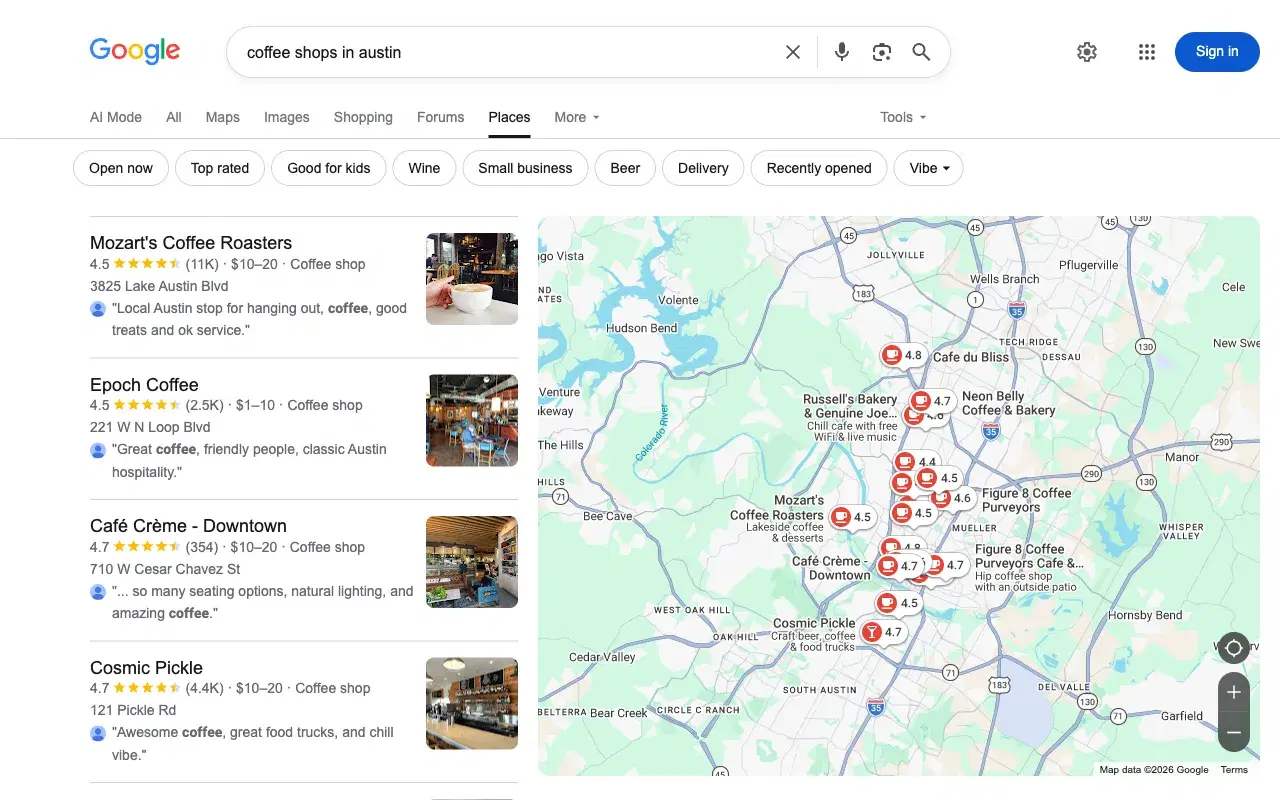
udm=1: Places
A list of businesses with rating, price level, address and a review snippet, next to a map. It is the local results view without the rest of the page.
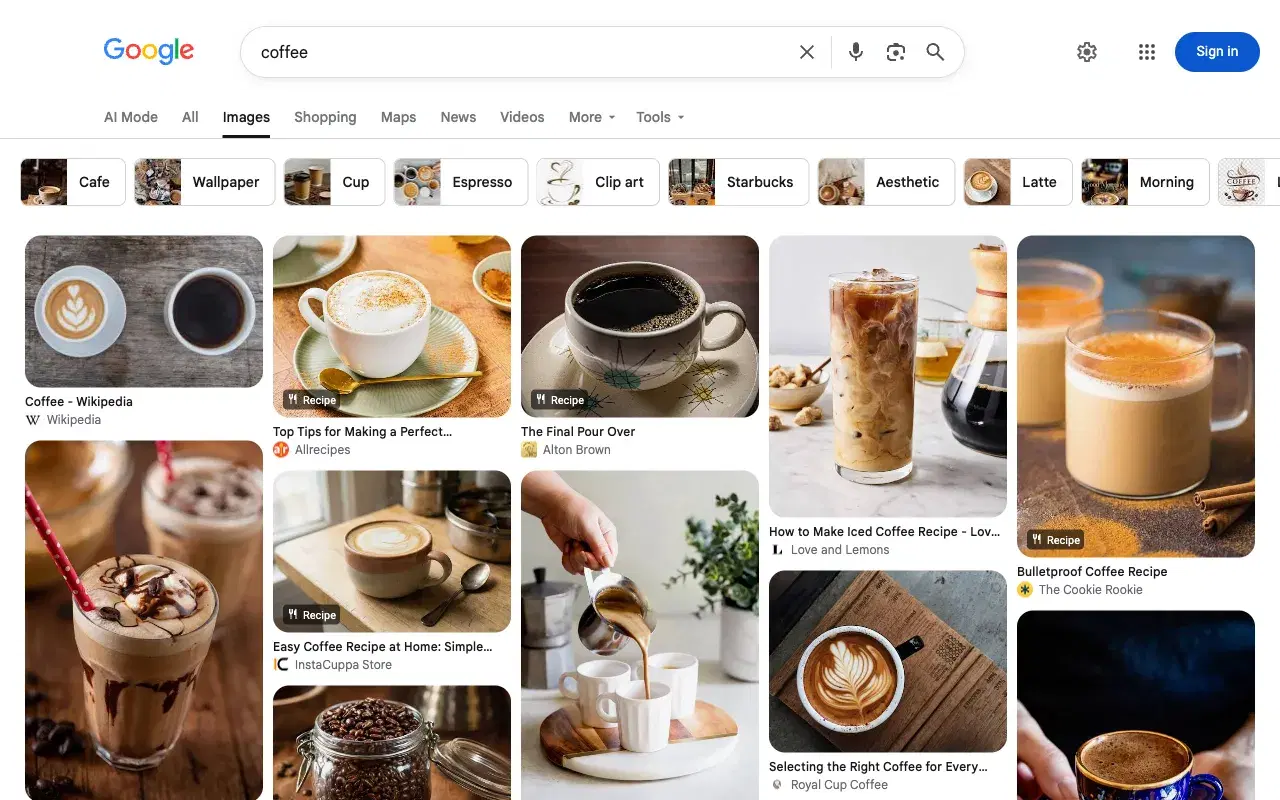
udm=2: Images
The image grid, the same page you get from the Images tab.
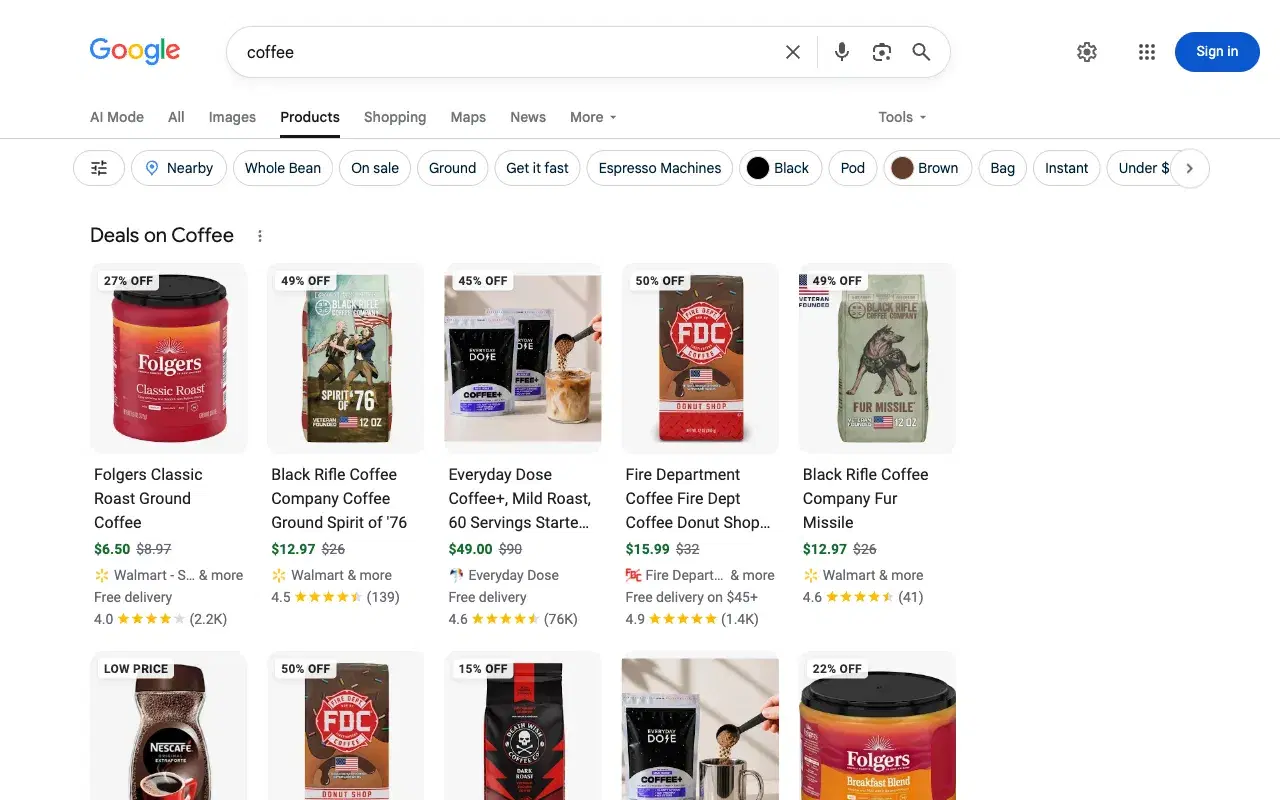
udm=3: Products
Product cards with price, discount, seller and rating, inside the normal Google page (search bar, tabs and filters).
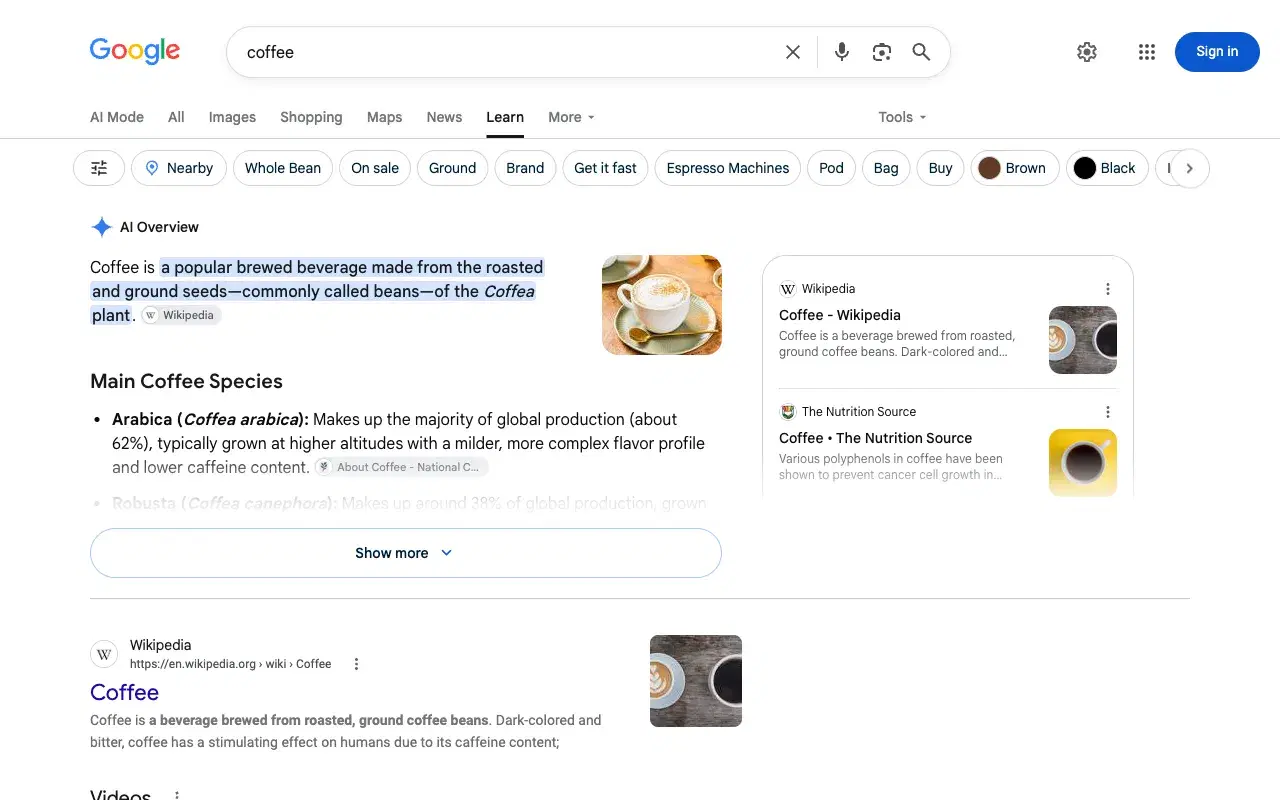
udm=6: Learn
An expanded AI Overview followed by web results. It appears as a "Learn" tab on informational queries.
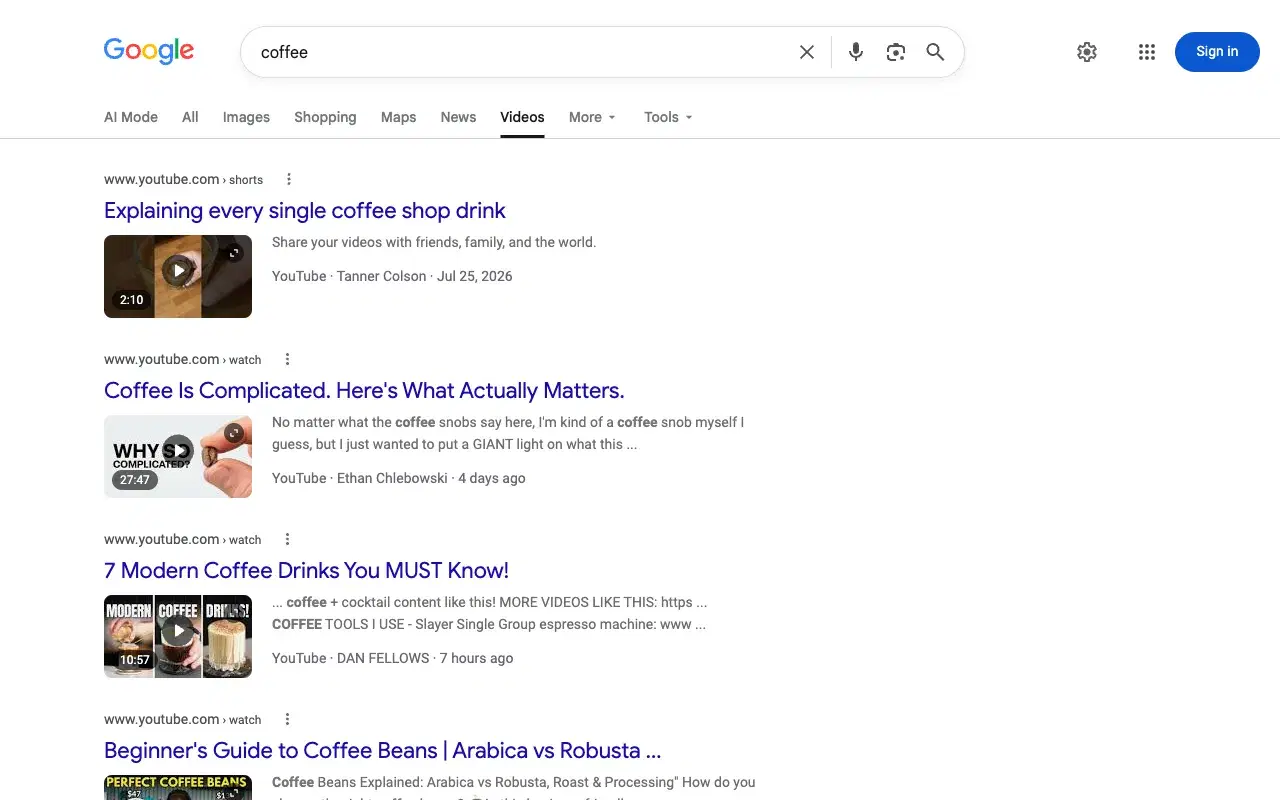
udm=7 (or udm=vids): Videos
Video results with thumbnail, duration, channel and date. Google's own Videos tab now links to udm=vids; udm=7 loads the same page.
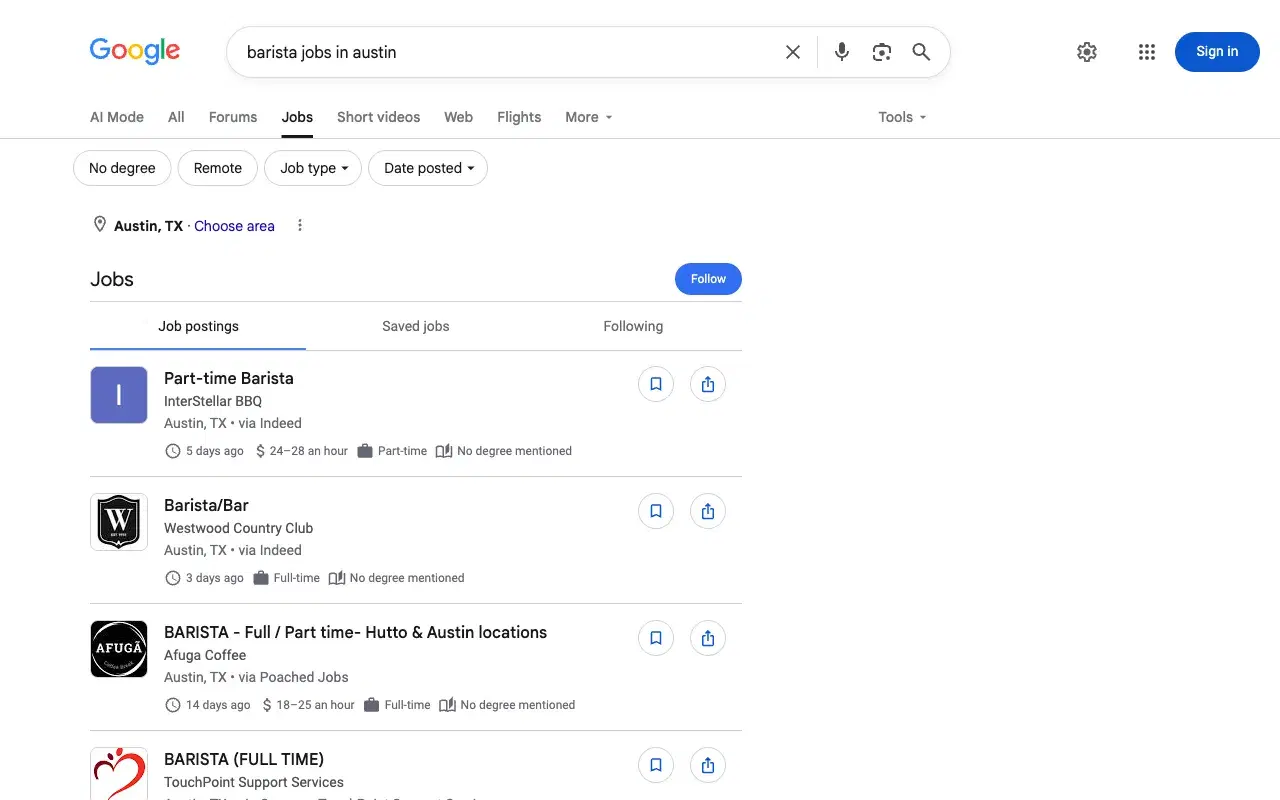
udm=8: Jobs
Google's jobs panel: postings with employer, location, source site, posting age and pay, with filters for remote work, job type and date posted.
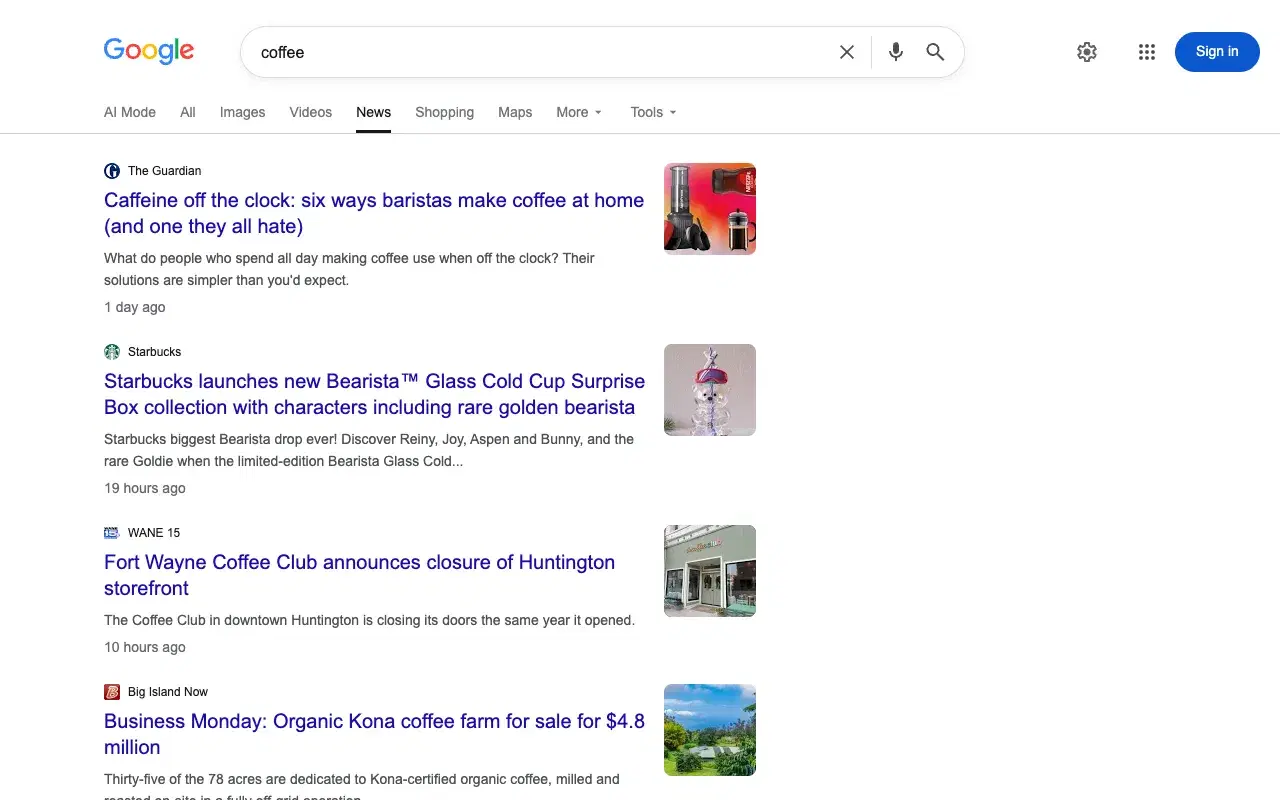
udm=12: News
Google redirects udm=12 to the older tbm=nws URL, so you land on the standard News results.
udm=14 (or udm=web): Web
Only the blue links: no AI Overview and no image, video or shopping blocks. This is the value people use to get "classic" Google. Google's own Web tab links to udm=web.
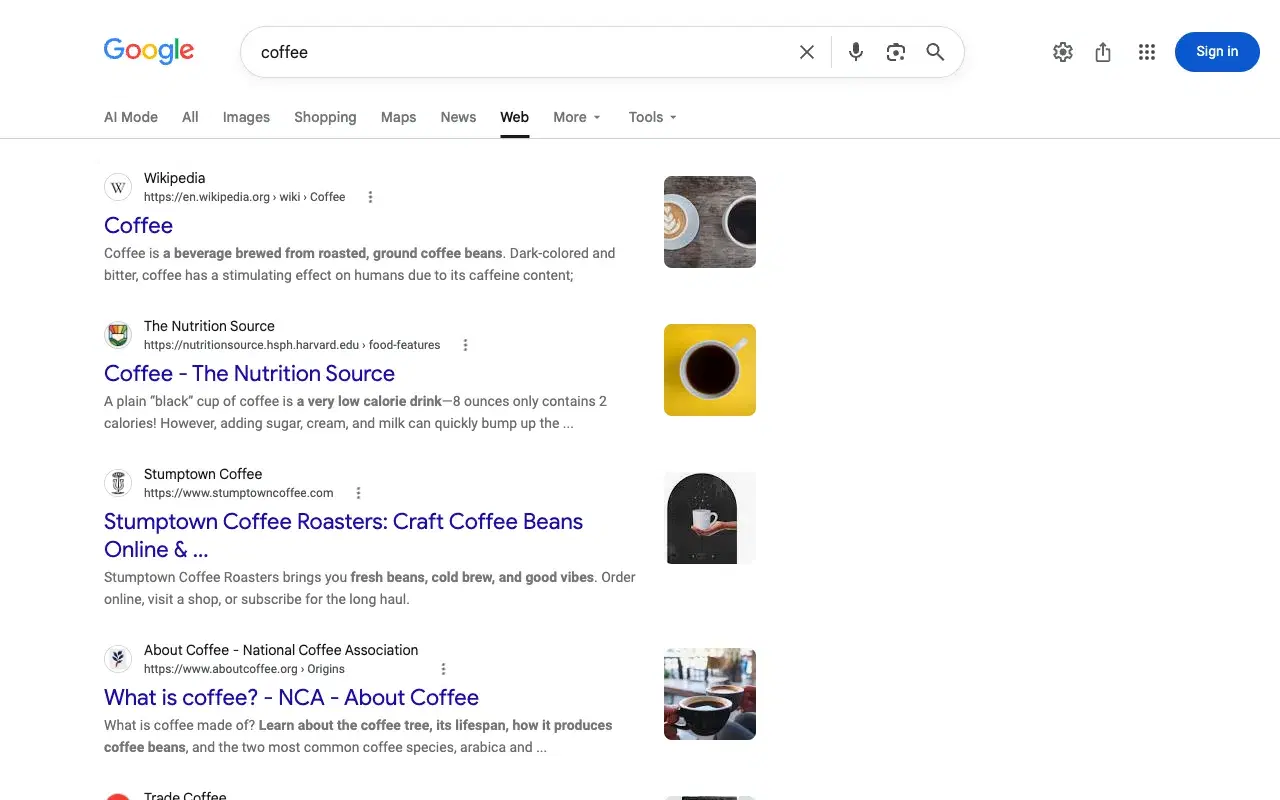
udm=15: Things to do
Attractions with rating, opening status and ticket price. It needs a place in the query.
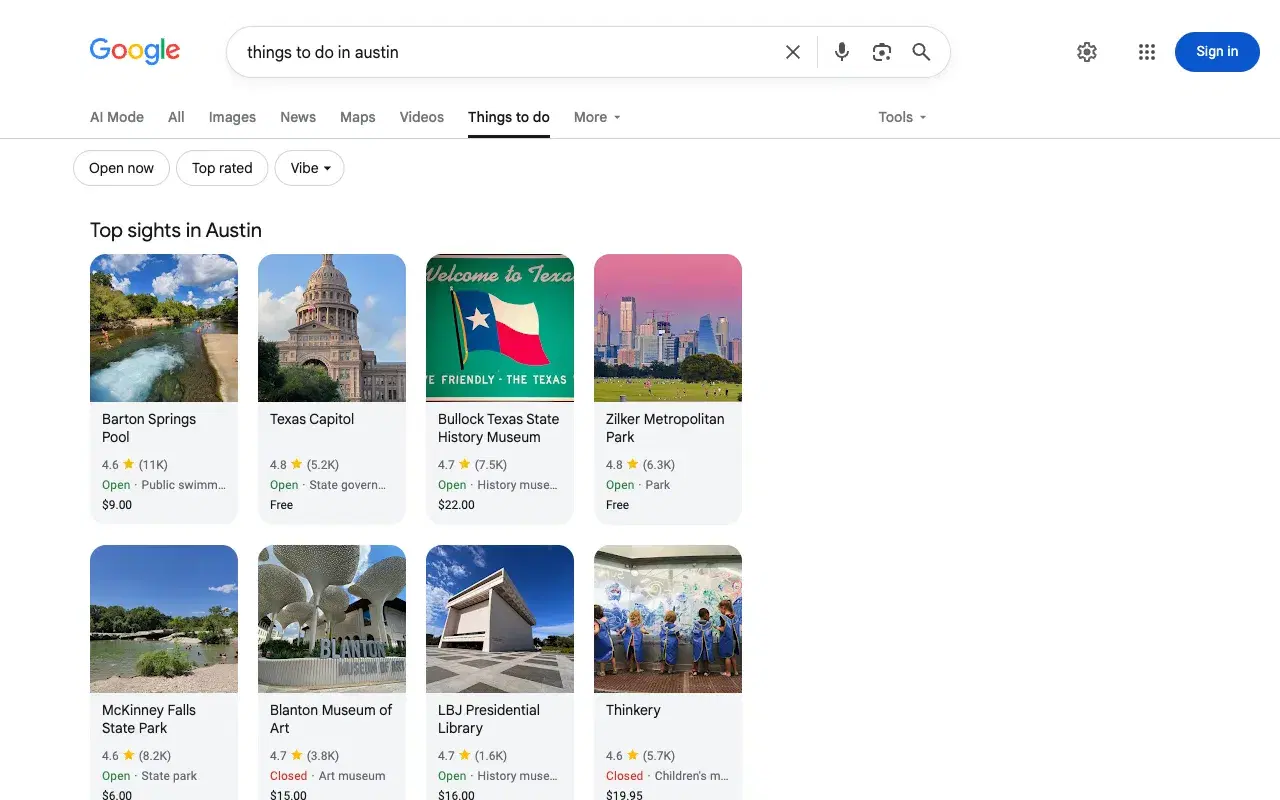
udm=18 (or udm=forums): Forums
Discussion threads from Facebook groups, Reddit and dedicated forum sites, with comment counts, post age and a top answer.
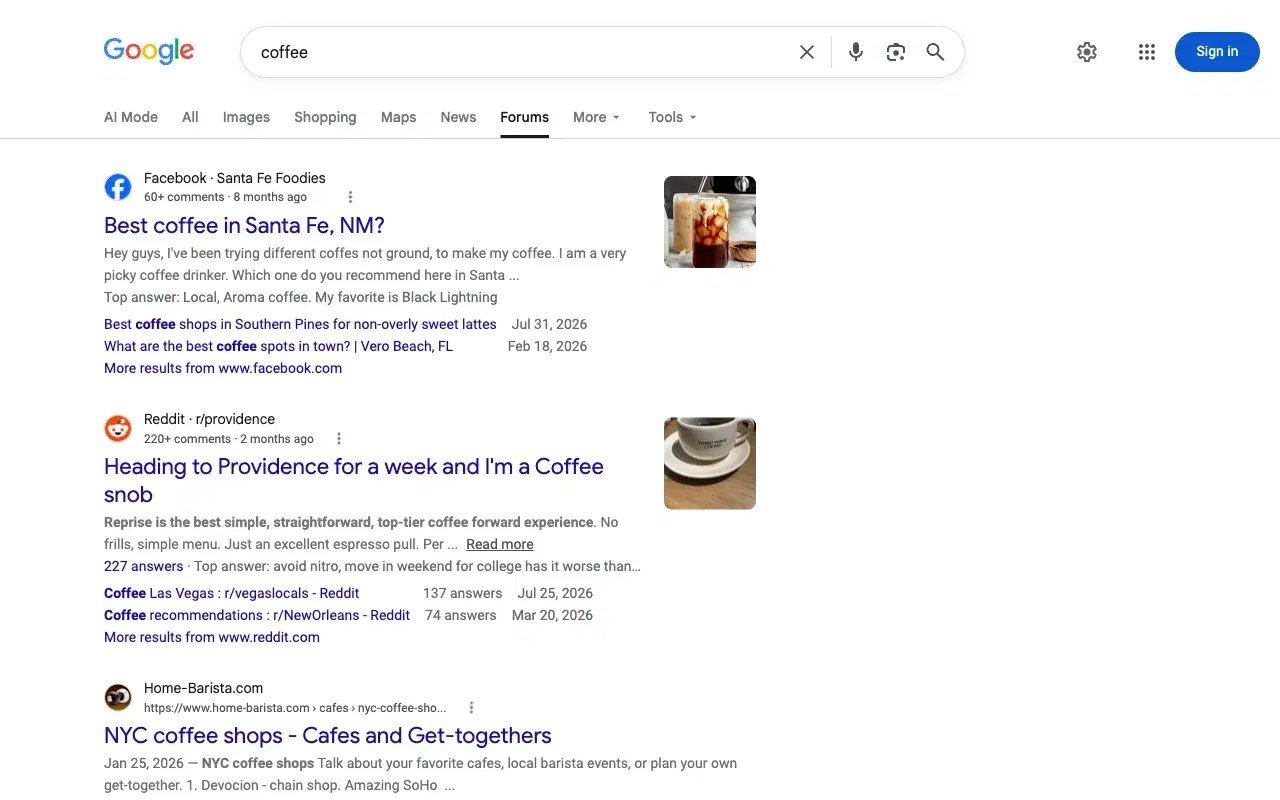
udm=28: Shopping
The full Google Shopping page, with its own "Google Shopping" header, Search / Nearby / Deals tabs and a sort control. Compare udm=3, which shows products inside the normal search page.
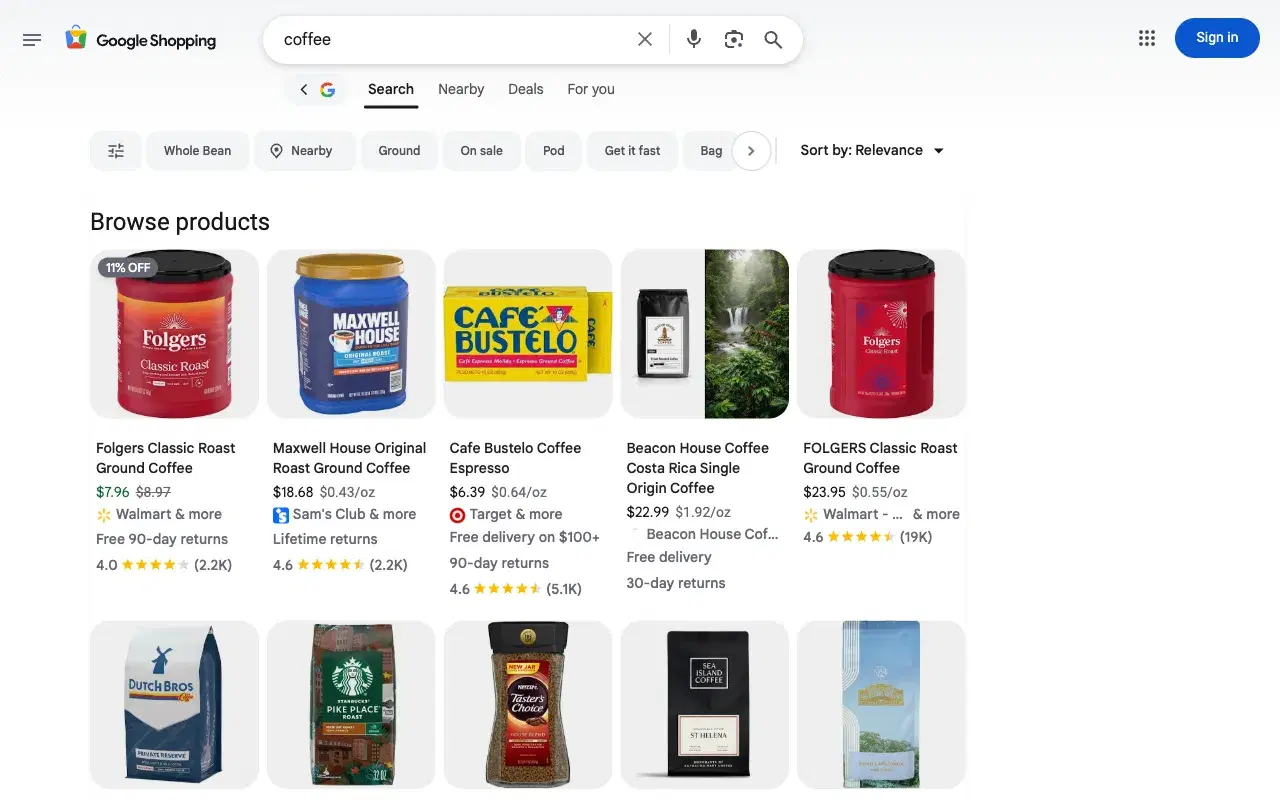
udm=36 (or udm=books): Books
Google Books results with author, year and Read / More editions buttons.
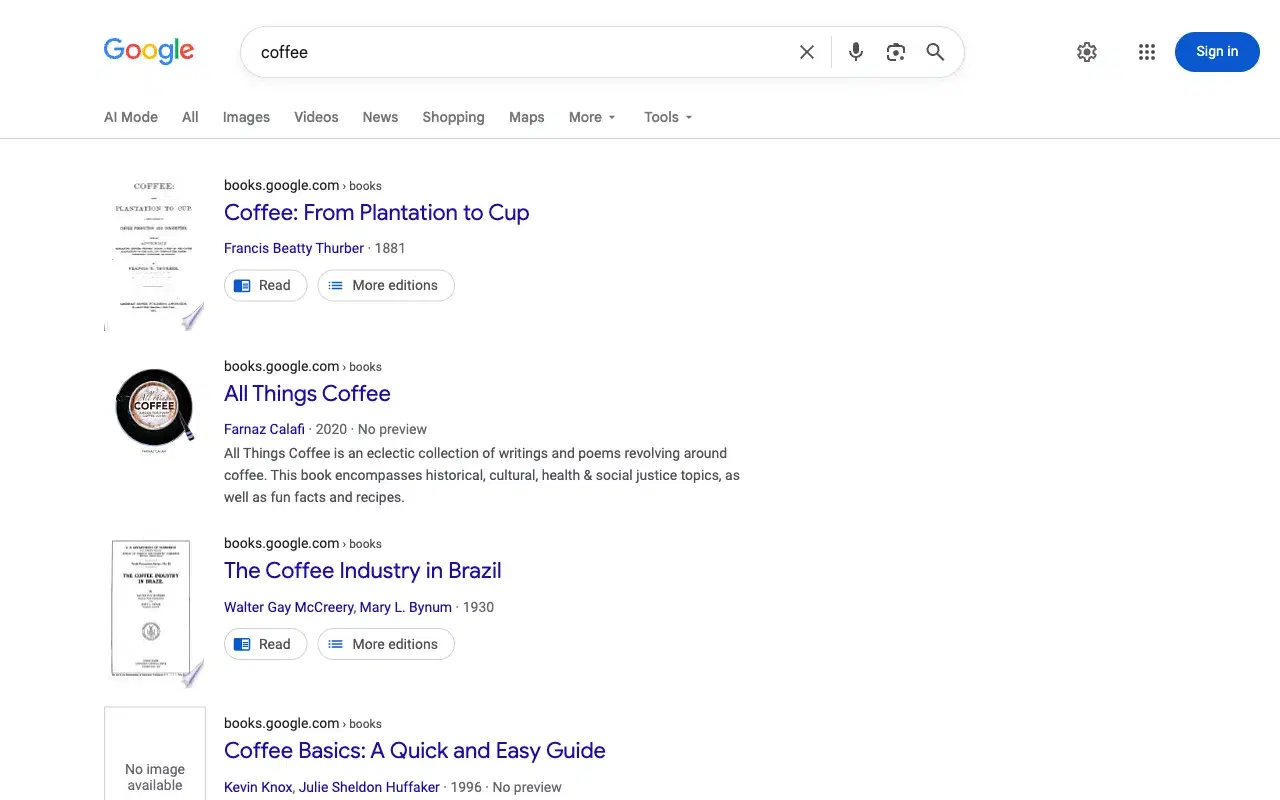
udm=39 (or udm=short_vids): Short videos
A grid of vertical videos from YouTube, Facebook, TikTok and Instagram.
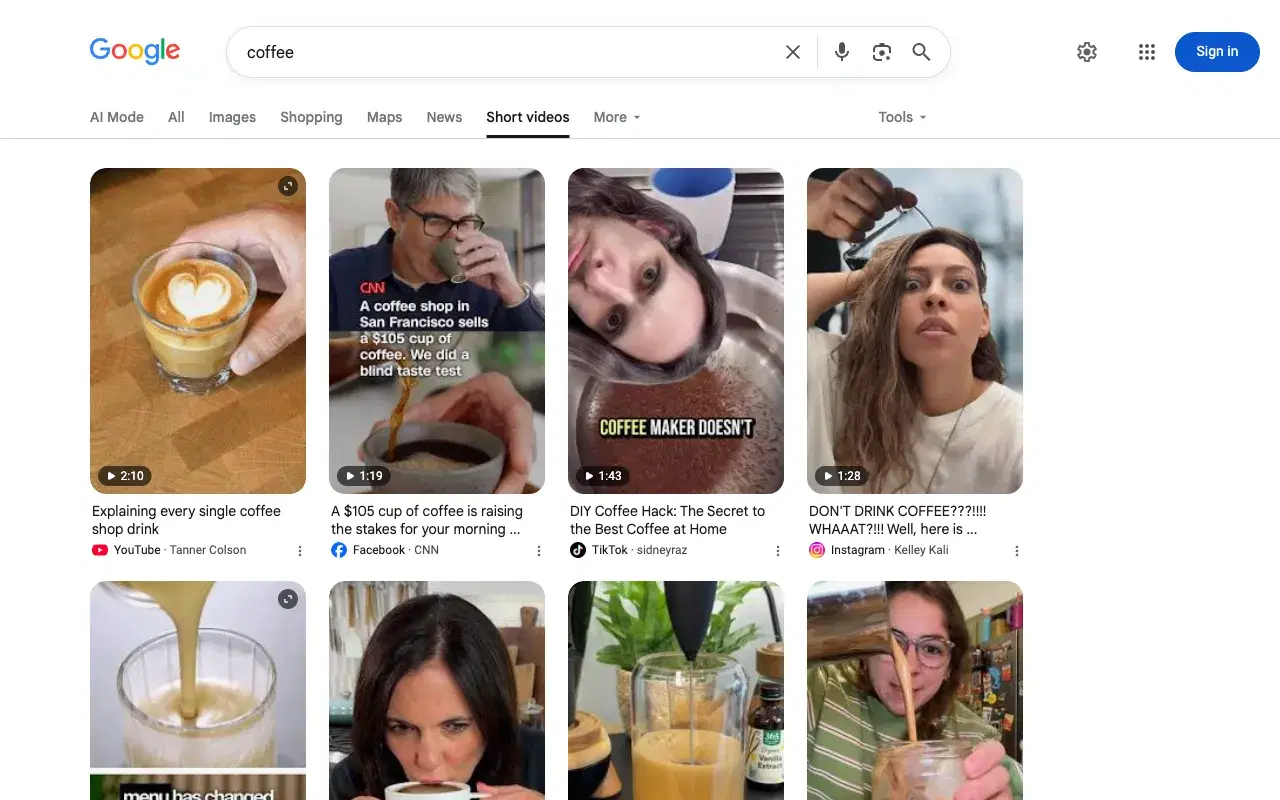
udm=50: AI Mode
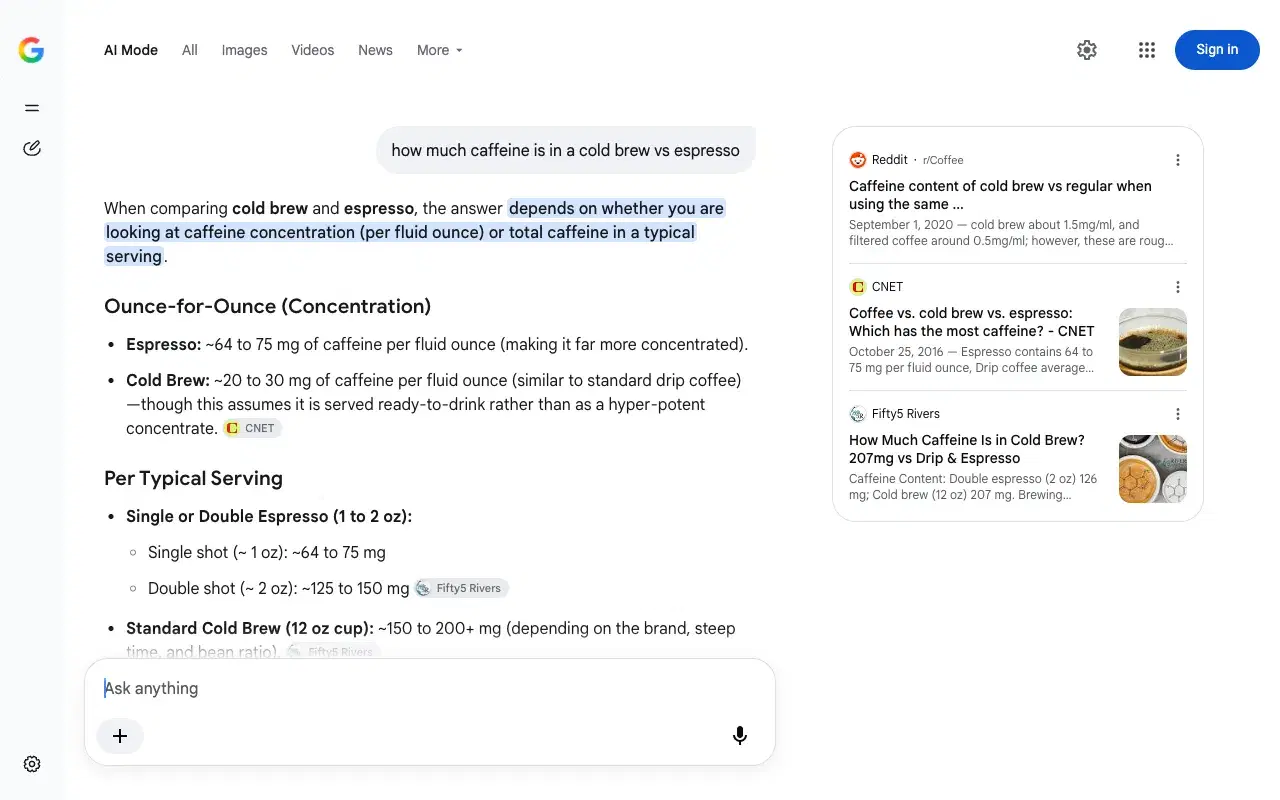
Google's conversational AI search: a written answer with inline citations and a source panel on the right. A one-word query like "coffee" makes AI Mode ask what you mean, so we used a question.
Google now uses names for some values
Google's own tab links now use names instead of numbers for four result types:
| Tab | Google links to | Old number (still works) |
|---|---|---|
| Videos | udm=vids | 7 |
| Forums | udm=forums | 18 |
| Short videos | udm=short_vids | 39 |
| Web | udm=web | 14 |
udm=books also works, even though the Books tab still links to udm=36. Images (2), Shopping (28) and AI Mode (50) still use numbers. Names that look obvious but do nothing: udm=videos, udm=images and udm=shopping all fall back to the All page.
If you build Google URLs in code, the numbers are the safer choice today: every name above has a working number, but not every number has a name.
44 and 48 only work with Google Lens
udm=44 (Visual matches) and udm=48 (Exact matches) are the result tabs of Google Lens. They only have results when the search starts from an image. With a text query, the tab is highlighted but the page says there are no matches. To get Lens results as data, see the Real-Time Lens Data API.
Values that do nothing, or something odd
- udm=37 and udm=38 highlight a "Products" or "Videos" tab but returned no results for any query we tried. Use 3 and 7 instead.
- udm=51 highlights a "Homework" tab, but the results are identical to the All page.
- udm=49 redirects to the Google Images homepage (
/imghp) and drops your query. - udm=24 and udm=26 return Google's "400. That's an error" page.
- Every other value from 1 to 70, and
udm=0, has no visible effect: you get the normal All page.
How udm relates to tbm
tbm is the older parameter for the same job (tbm=isch for images, tbm=nws for news). News is the one type where Google still prefers tbm: it redirects udm=12 to tbm=nws. For everything else, Google's own links now use udm. Our Google Search parameters reference covers tbm and the other URL parameters (gl, hl, tbs, uule), and the UULE generator builds the location parameter for you.
FAQ
Most common questions and answers
What is the udm search parameter in Google?
What is udm=14?
What is udm=50?
Which udm value is Google Shopping?
What are udm=44 and udm=48?
Why do most udm values show the normal All page?

Written by
Adam Ben-Ayoun
CTO at OpenWeb Ninja
Adam leads engineering at OpenWeb Ninja, building the APIs and infrastructure that make public web data accessible to developers and AI agents.
Connect on LinkedInNeed these result types as structured data?
We have APIs for web, images, products, places, jobs, news, videos, shorts, forums, AI Mode and Lens results. 50+ APIs, one key, and a free plan on every API.