
Guide
July 28, 2026 · Updated September 6, 2026 · 6 min read
How to Get eBay Sold and Completed Listings in 2026
eBay asks signed-out visitors to sign in before it will show sold or completed listings. Here is what changed, why your sold-price scripts broke, and how to pull that data programmatically, with no eBay account needed.

Adam Ben-Ayoun
CTO, OpenWeb Ninja
eBay · Sold Listings · Price Research · Python
Key Takeaways
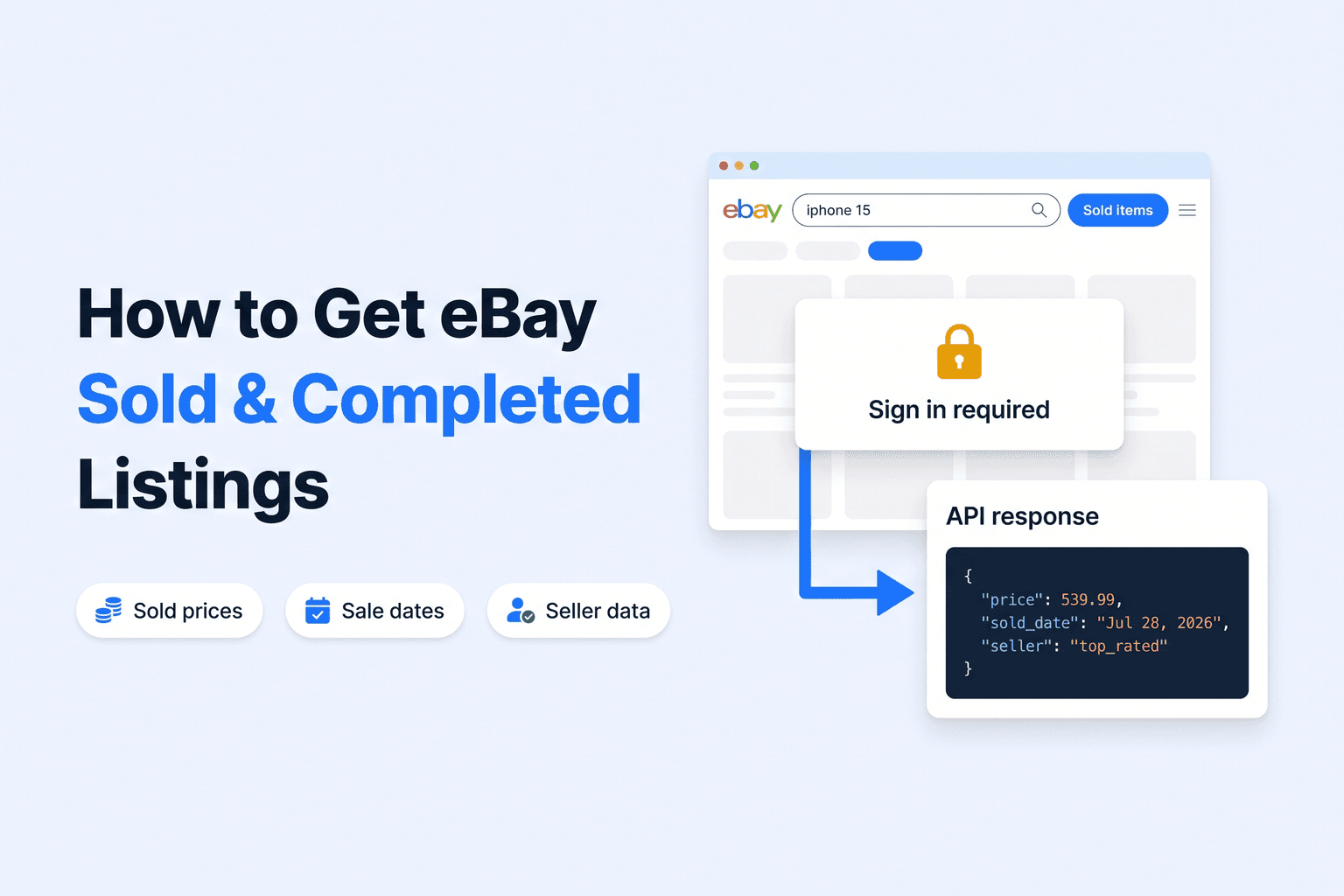
eBay puts sold and completed listings behind a sign-in wall for signed-out visitors. The redirect to a login page started on 22 July 2026 and applies to every marketplace.
Browsing sold listings in your own browser still works, because you are signed in. Scripts and integrations running without a session broke overnight.
The Real-Time eBay Data API returns sold and completed listings without a cookie or an eBay account. Use show_only=sold_items or completed_items.
A cookie-free request returns 60 results per page with sold price, sale date, condition, shipping, location and images. Seller name and feedback are not on that page.
Pass your own eBay session through the optional cookie parameter when you also need seller fields on every result.
eBay only exposes about 90 days of sold history, so store what you pull if you need longer trends.
What changed on eBay
Sold and completed listings are the single most useful dataset on eBay. They are the only public record of what an item actually sold for, as opposed to what a seller hopes to get. Resellers price inventory from them, brands track grey-market activity with them, and analysts use them as a demand signal.
On 22 July 2026 eBay quietly put them behind a login. Any search URL carrying the sold filter (LH_Sold=1) or the completed filter (LH_Complete=1) now redirects signed-out visitors to signin.ebay.com. We measured it across seven marketplaces, including ebay.com, ebay.co.uk, ebay.de, ebay.ca, ebay.com.au, ebay.fr and ebay.it, and the behaviour was the same everywhere.
For the API, nothing changes on your side. A sold or completed search through the Real-Time eBay Data API works with no cookie, no eBay account, and the same 60 results per page as an active-listing search.
The confusing part for most people is that nothing looks broken in a browser. You are already signed in to eBay, so sold listings load exactly as before. It is only scripts, scrapers, and integrations running without a session that suddenly return a login page instead of results.
Every other filter is unaffected. Free shipping, buy it now, returns accepted, condition, price range and the rest all behave as they always did. This change is specific to sold and completed.
Your options
If you need sold price data programmatically, there are two options worth considering.
eBay Marketplace Insights
eBay’s official sold-data API. Access is restricted, requires an approved application, and most teams are declined or waitlisted.
Use a data API
Call an API that handles the fetching, paging and parsing, and returns clean JSON. No eBay account or session is needed for sold listings, and there is no scraping pipeline to build or maintain.
Pulling sold listings with the API
The Real-Time eBay Data API returns sold and completed listings as JSON across 20 marketplaces. No eBay account or session is needed: pass show_only=sold_items or completed_items and the API handles the fetching, paging and parsing. If you also want seller fields on sold results, add your own session cookie.
Python
import requests

API_KEY = "YOUR_API_KEY"

def sold_listings(query, page=1, domain="com"):
    r = requests.get(
        "https://api.openwebninja.com/real-time-ebay-data/search",
        headers={"x-api-key": API_KEY},
        params={
            "query": query,
            "show_only": "sold_items,completed_items",
            "domain": domain,
            "page": page,
        },
        timeout=60,
    )
    r.raise_for_status()
    return r.json()["data"]["products"]

for item in sold_listings("nvidia rtx 4090"):
    print(item["price"], item["currency"], "|", item["caption"], "|", item["title"][:60])
Each result carries the sold price, the currency, and a caption holding the sale date:
539.99 USD | Sold Jul 28, 2026 | Apple iPhone 15 Pro Max 256GB Blue Titanium Unlocked
1799.0 USD | Sold Jul 27, 2026 | NVIDIA GeForce RTX 4090 Founders Edition 24GB GDDR6X
One thing worth getting right: sold_items and completed_items are not the same thing. Sold returns listings that ended in a sale, completed returns all ended listings including those that never sold. Pass both when you want the full picture, or sold alone when you only care about realised prices. Neither needs a cookie. The next section covers what a cookie adds if you choose to supply one.
FAQ
Most common questions and answers
Why did eBay stop showing sold and completed listings?
Do I need to pass a cookie to get sold listings from the API?
Is it safe to send my eBay cookie to the API?
How many sold listings are returned per page?
How far back do eBay completed listings go?

Written by
Adam Ben-Ayoun
CTO at OpenWeb Ninja
Adam leads engineering at OpenWeb Ninja, building the APIs and infrastructure that make public web data accessible to developers and AI agents.
Connect on LinkedInGet eBay sold prices in JSON
The Real-Time eBay Data API returns listings, prices and seller data across 20 eBay marketplaces. Active and sold listings need no eBay account, and you can add your own session cookie for seller details on sold results. The free plan needs no credit card.